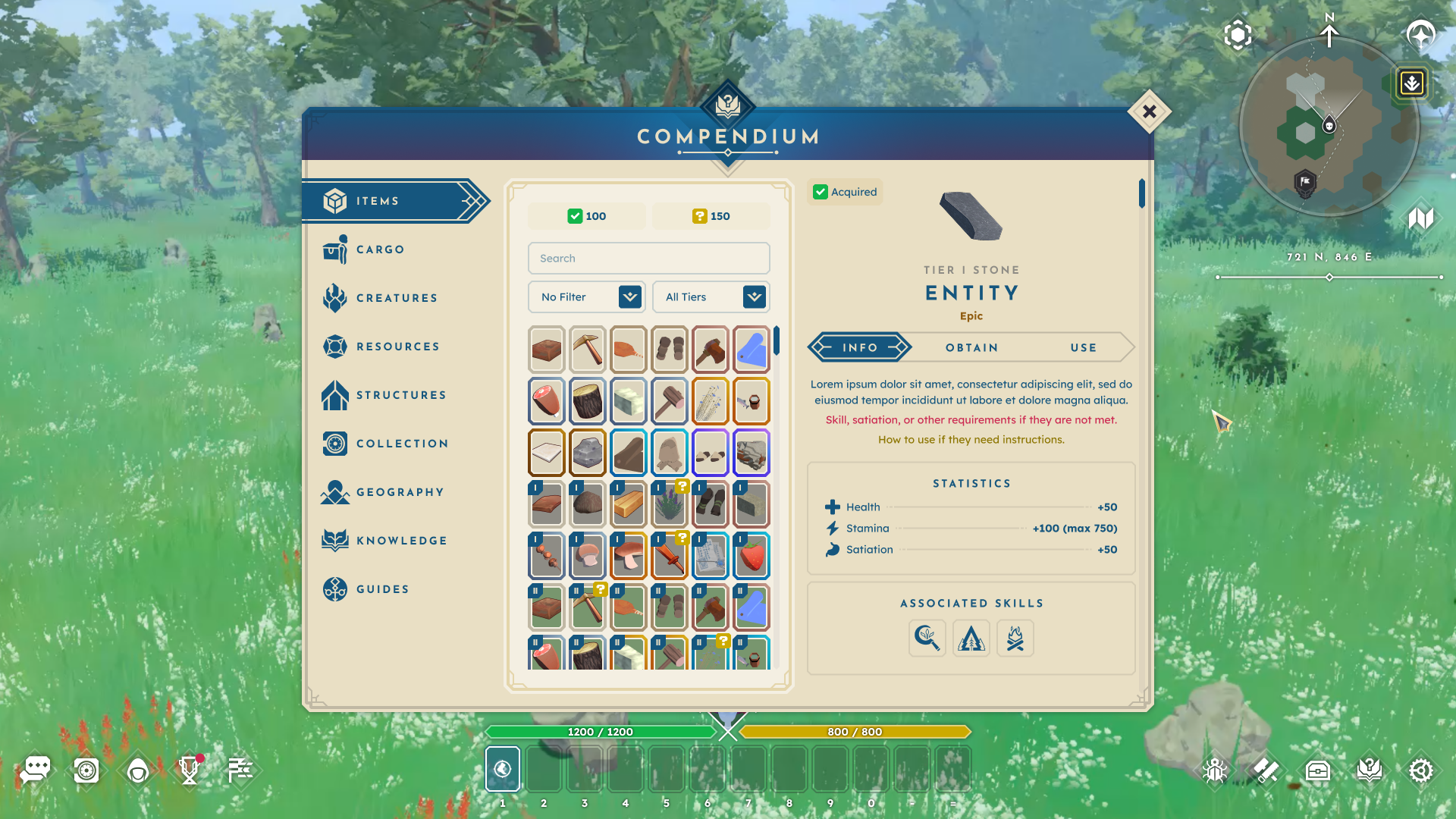
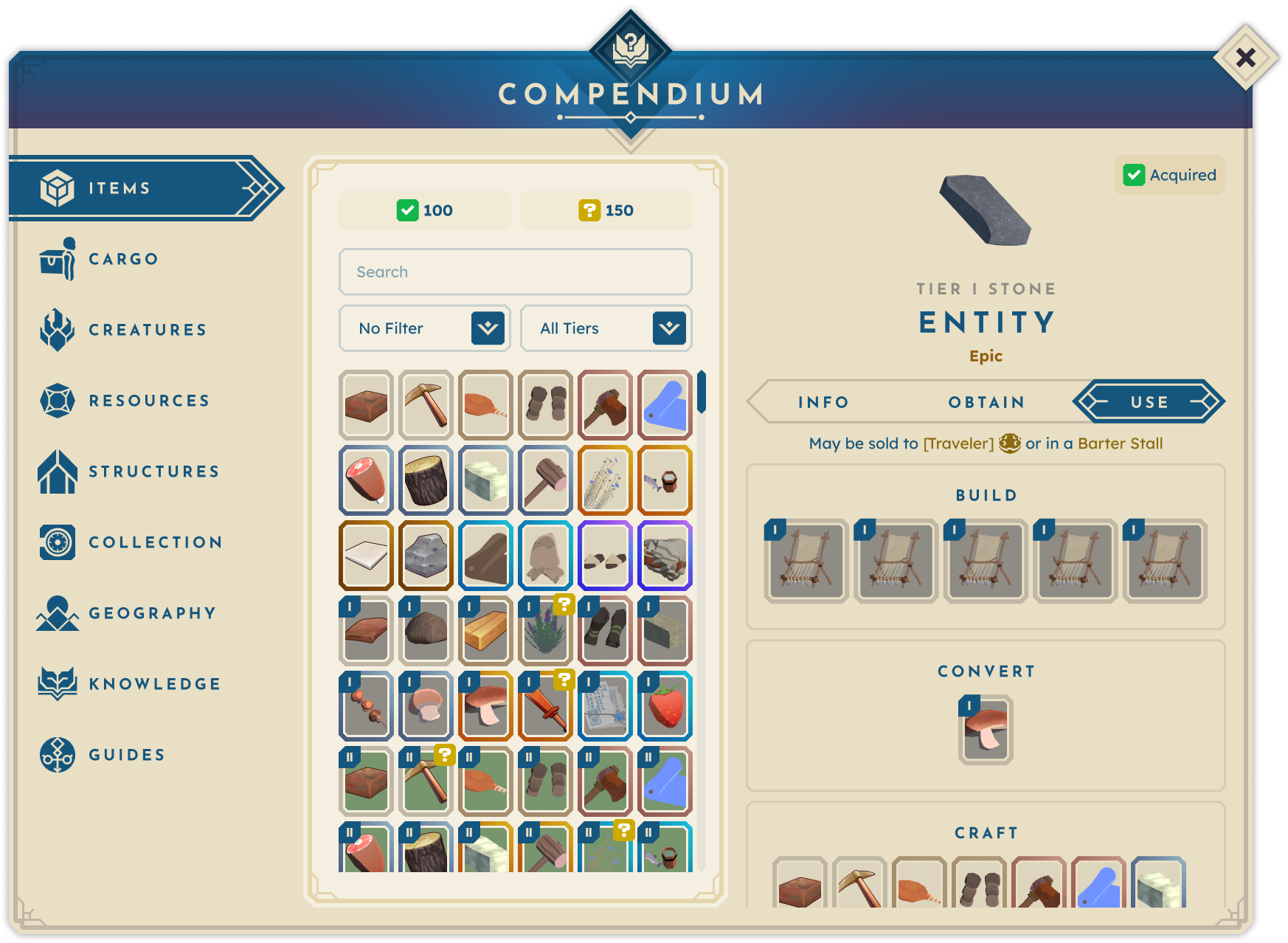
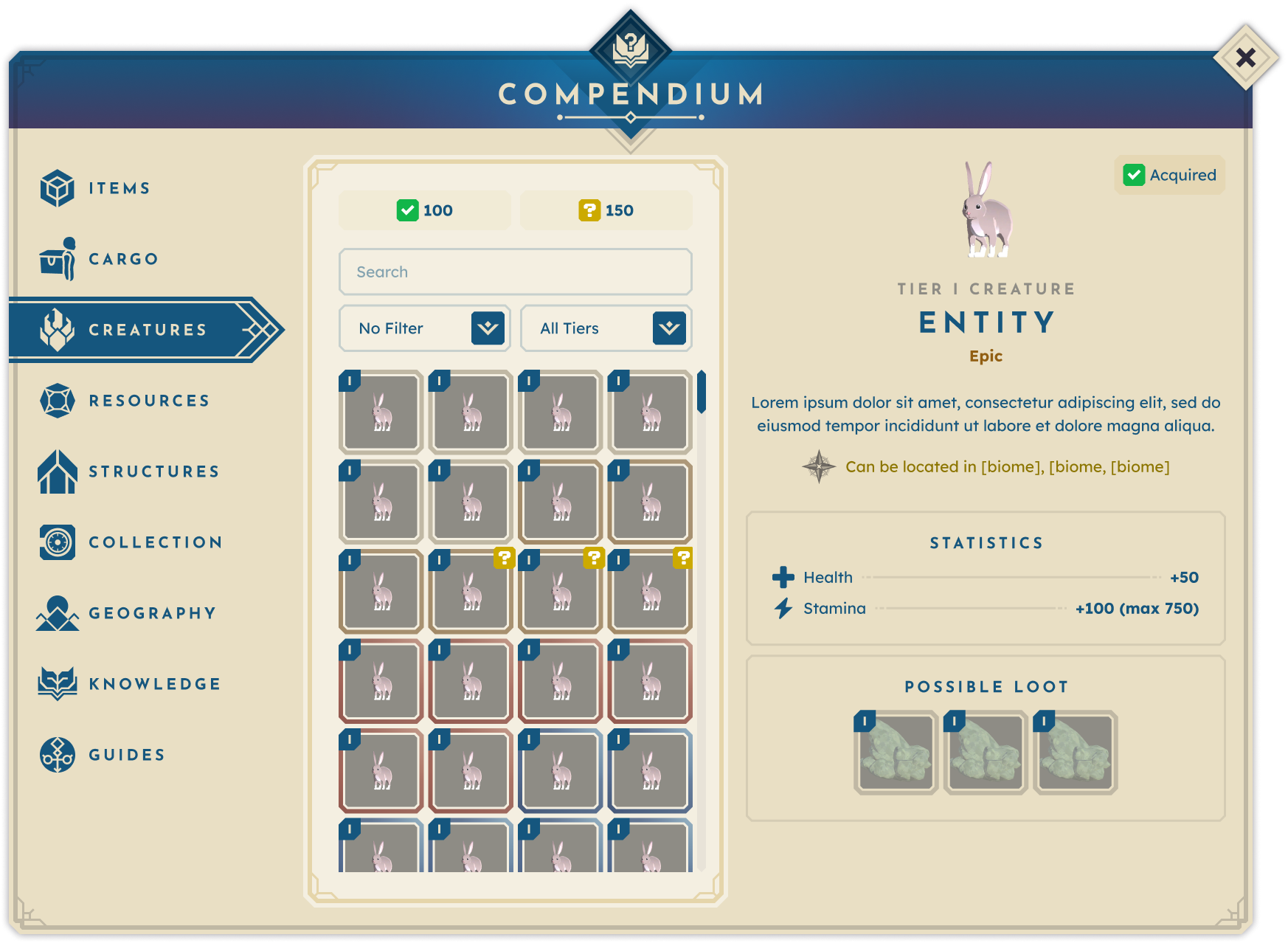
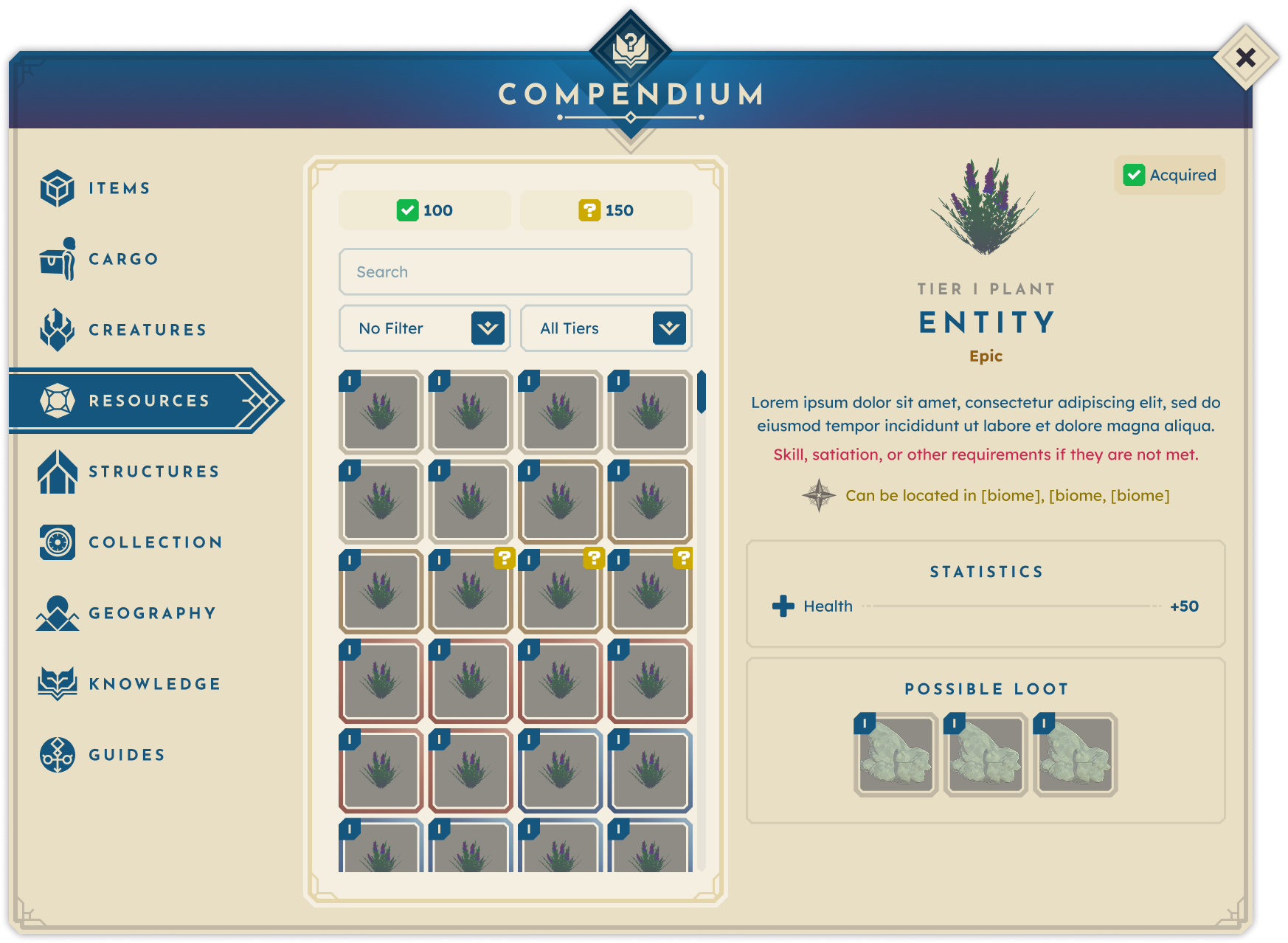
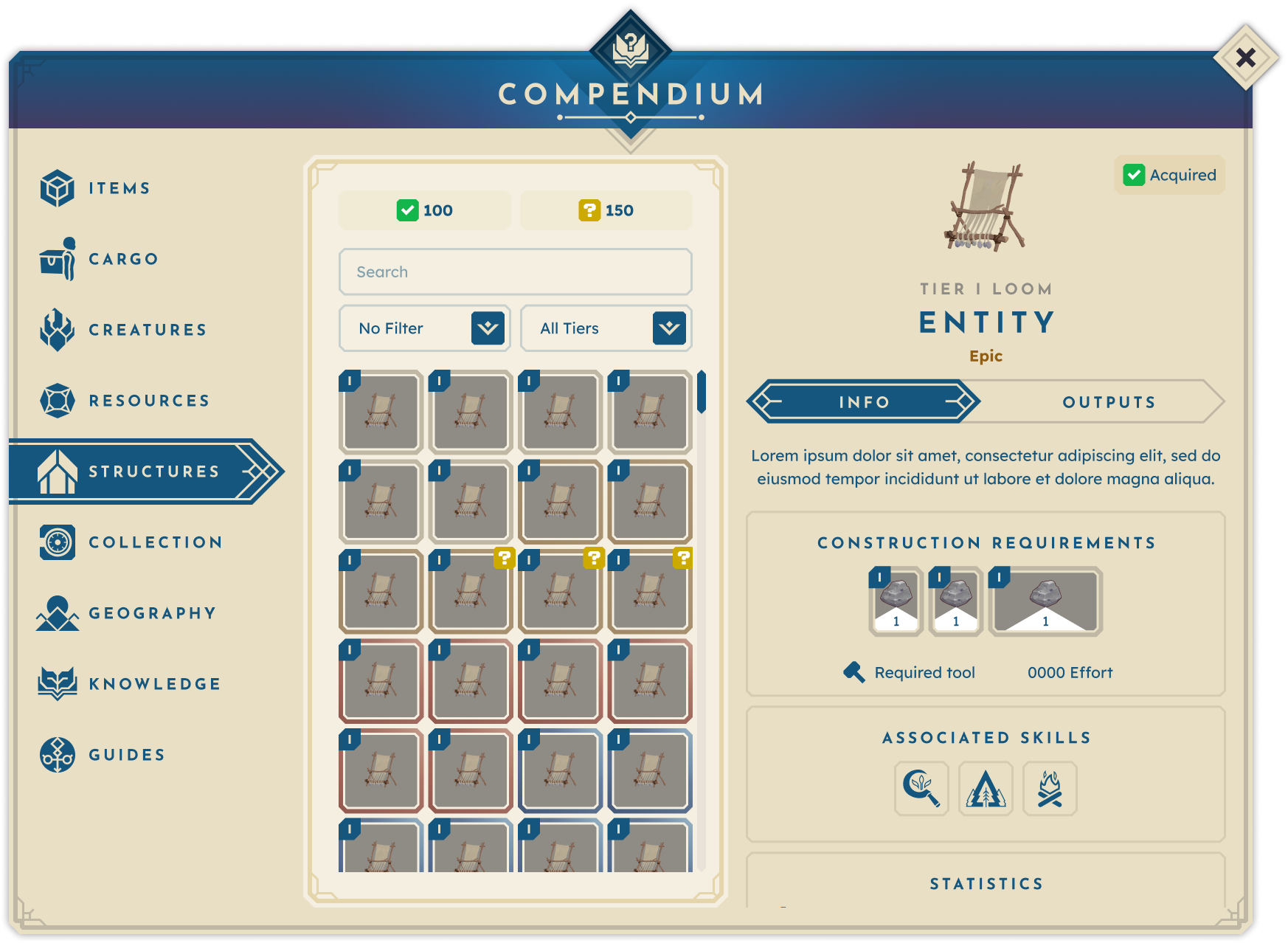
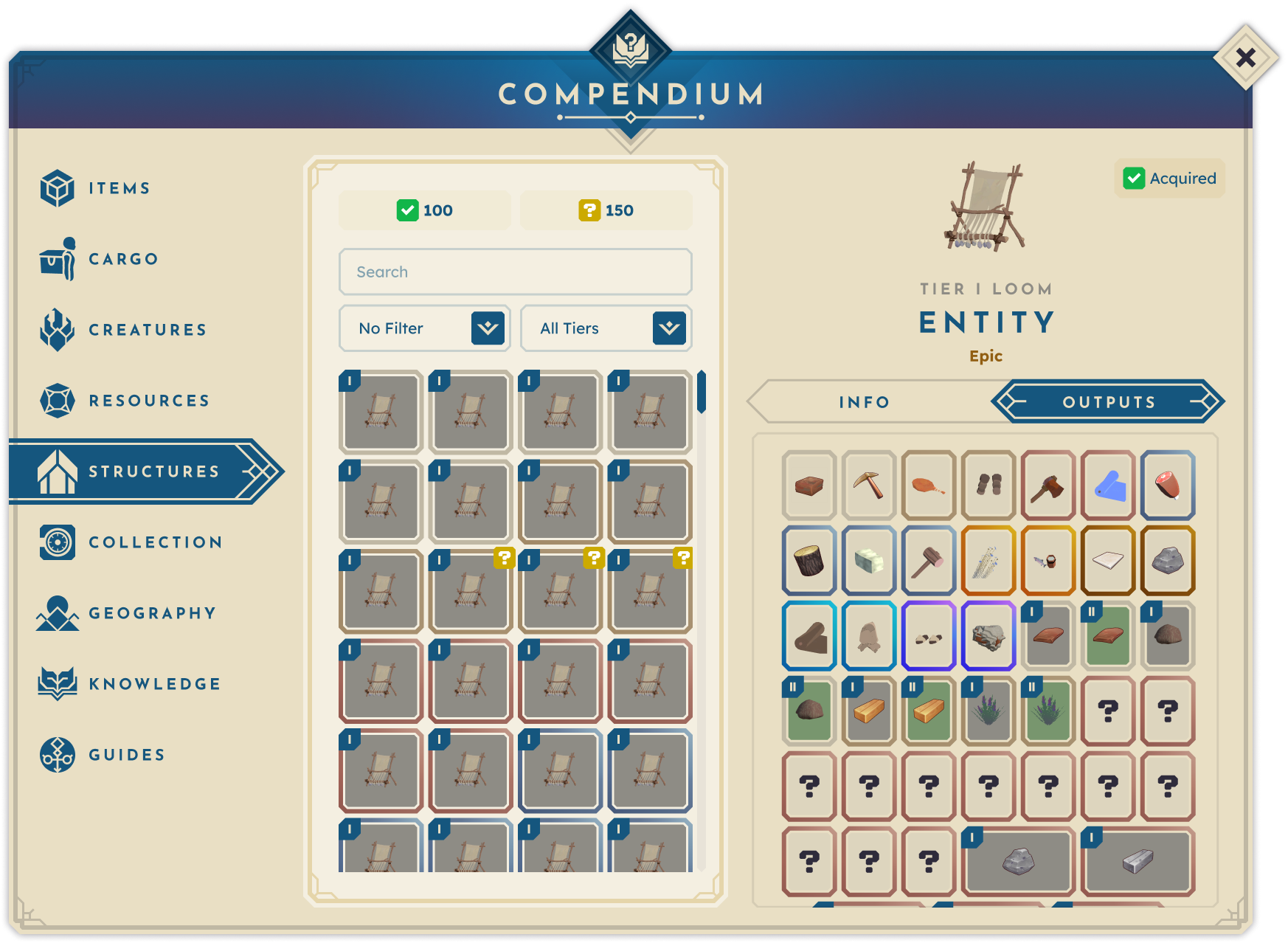
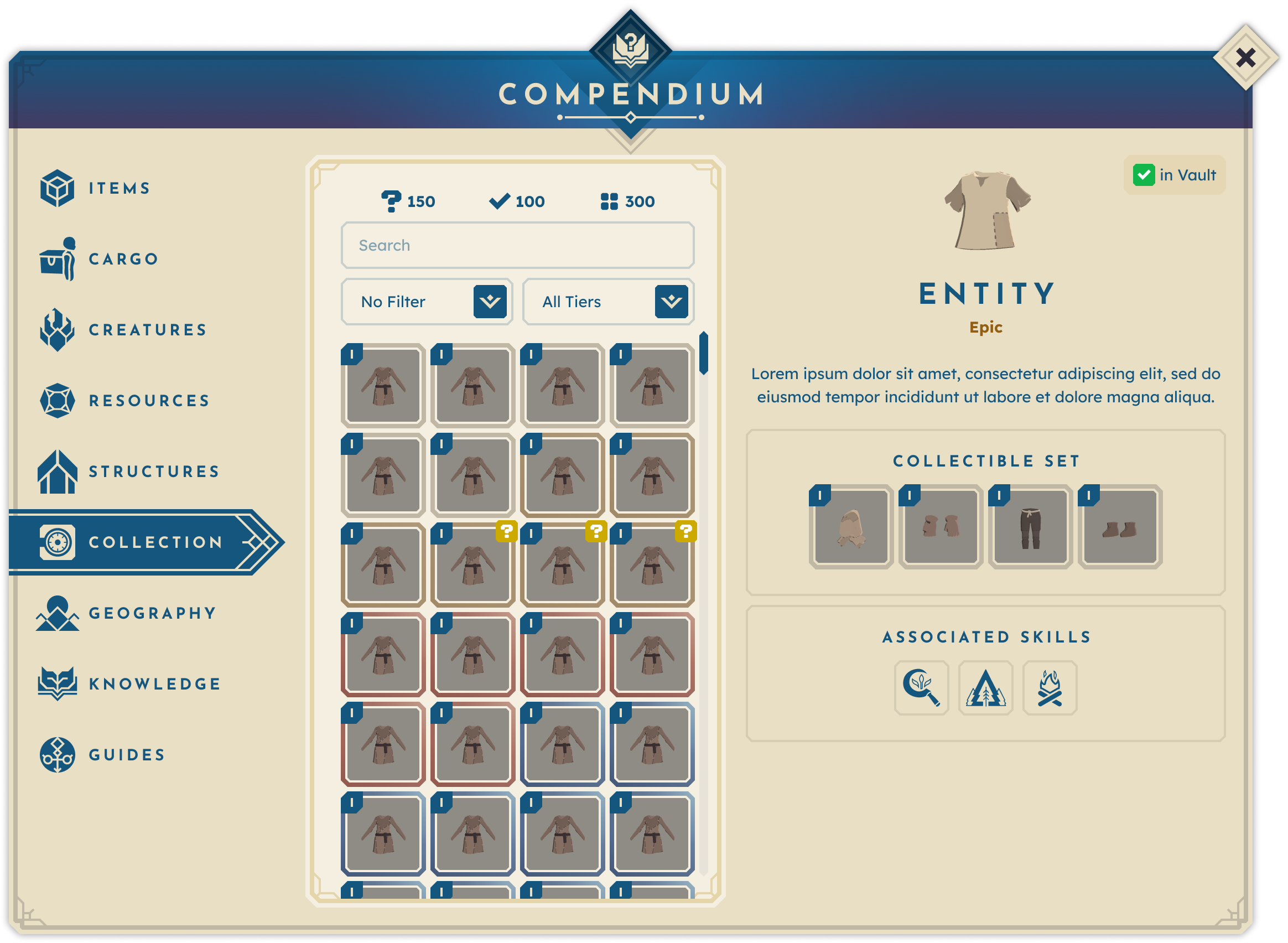
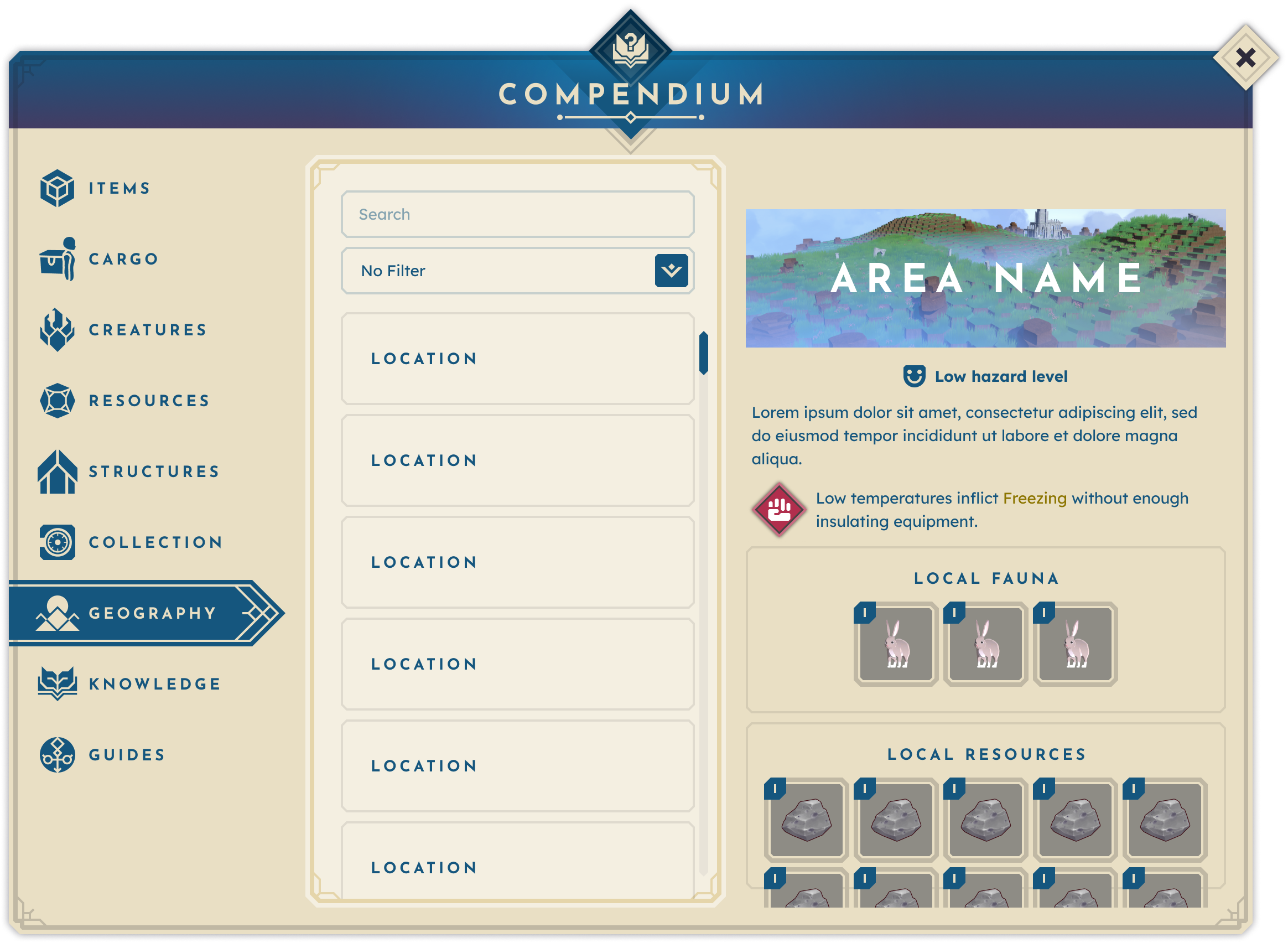
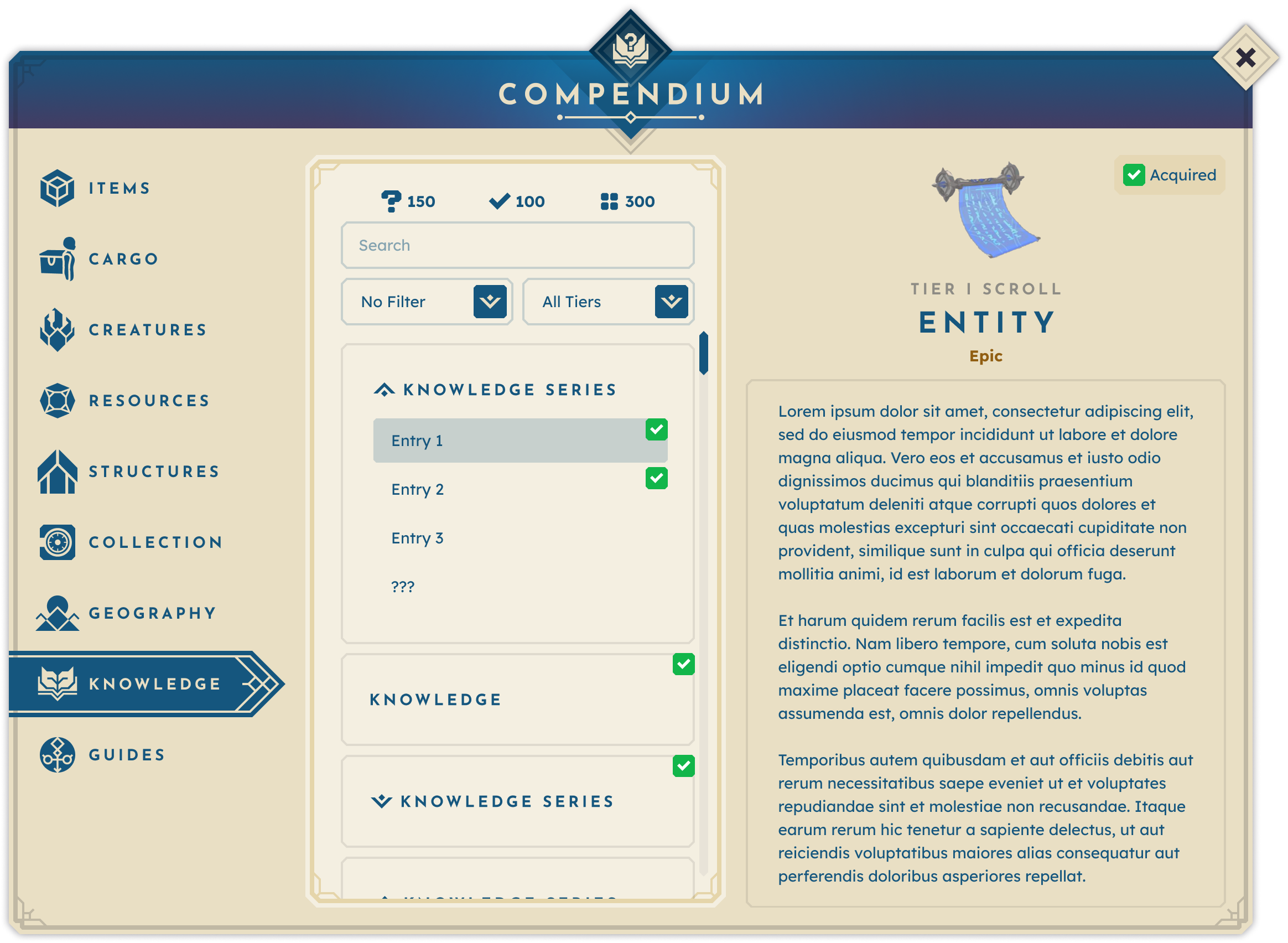
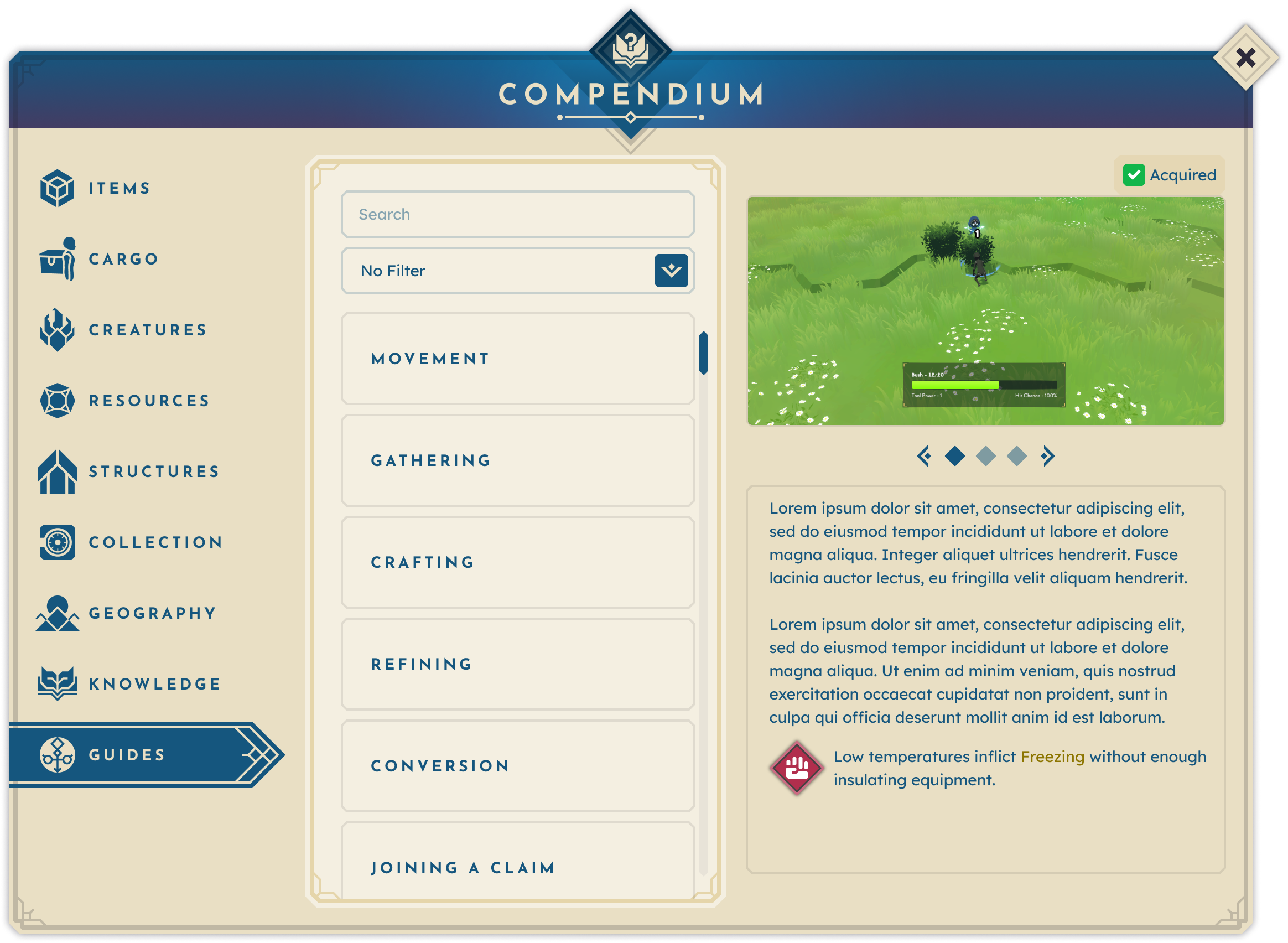
“BitCraft is a massively multiplayer community sandbox game where players work together to build a new civilization in a single, editable wilderness with an ancient past. BitCraft’s gameplay emphasizes skilling, building, crafting, farming, trading, and exploring, empowering players to cultivate a sheltered village with their friends or establish impressive cities and empires.”
— Official BitCraft Online Website
BitCraft’s vast world contains countless resources, crafts, collectibles, structures, knowledge systems, and mechanics to track. After joining, I quickly recognized some key insights about this wealth of information:
- Scattered information sources made it difficult to keep track of the countless in-game entities and their relationships, constantly straining the player’s working memory.
- The lack of clarity surrounding crucial gameplay elements and actions left players unsure of what to do next.
- Feelings of frustration and overwhelm led players to lose motivation to progress.
These pain points were further informed by a pattern of frequently asked questions that arose during every test phase: “How do I craft [item]?”, “Where can I find [resource]?”, “What structure do I need to [action]?”, “How do I [action]? I forgot what the tutorial said.” These insights and observations combined to form the leading problem statement:
Players struggle to set objectives when essential information is scattered, overwhelming their cognitive load and leading to frustration and disengagement.
Goals & Objectives.
After defining the problem, I set four main actionable objectives for the solution:
CREATE A CENTRALIZED SOURCE OF TRUTH
In BitCraft, everything connects—players can gather resources, which then can be crafted, converted, or used in structures, forming a complex web of relationships. To help players understand the game, a single comprehensive source of truth is necessary.
KEEP PLAYERS IN-GAME
Many players turn to wikis, guides, and Discord for answers, disrupting immersion by constantly switching between the game and external resources. Our solution aimed to keep players engaged within the game.
ANSWER THE CORE QUESTIONS
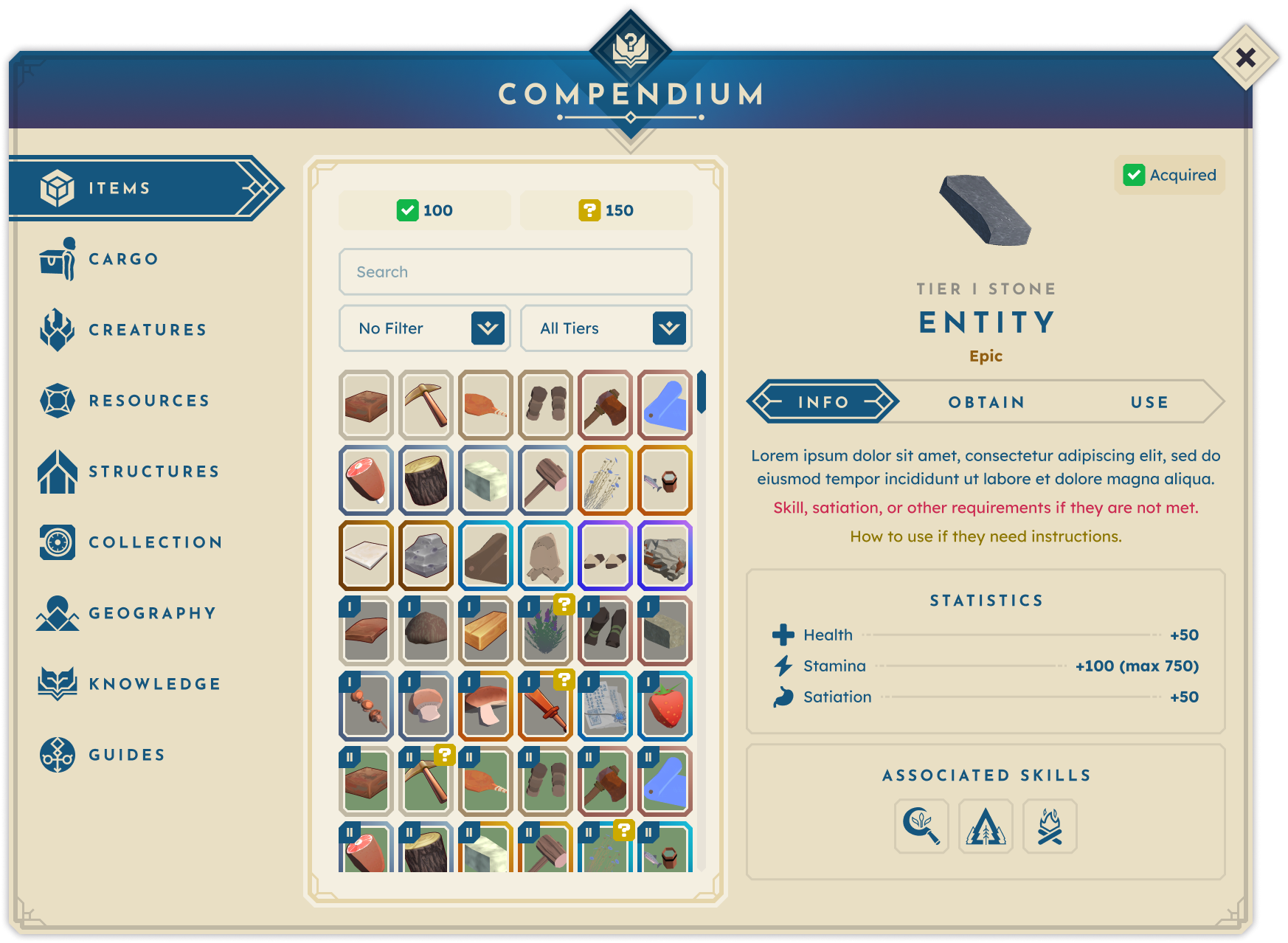
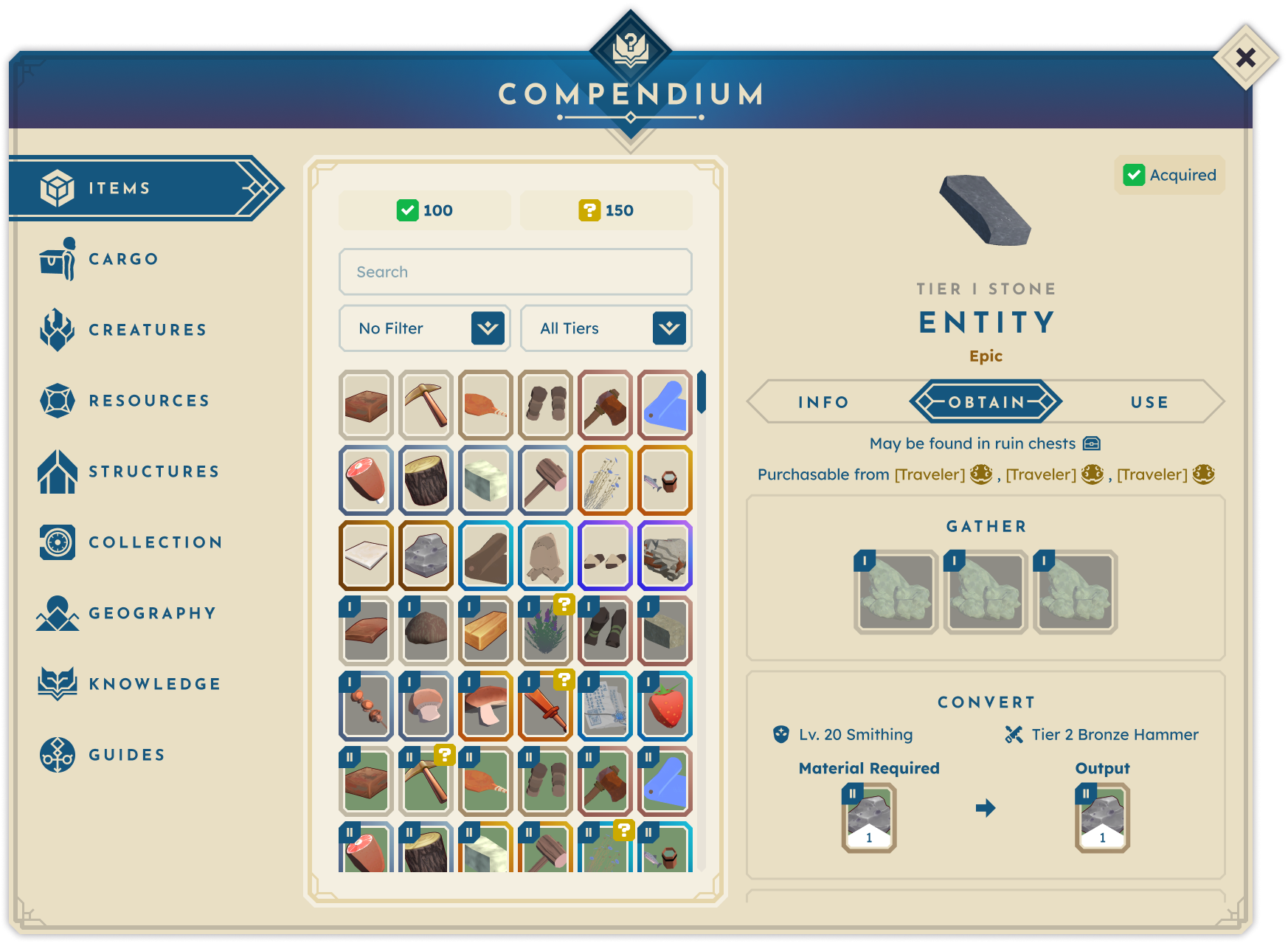
Each entry should be structured to answer, when applicable:
- What is this?
- How can I obtain it?
- What can I do with it?
This framework keeps entries concise, actionable, and easy to navigate while ensuring each provides complete, relevant information.
ENABLE PLAYERS TO SET THEIR OWN OBJECTIVES
Once players have access to information, they need to be able to act on it. By making clear what something is, how to obtain it, and how to use it, the objective is to empower players to pursue their goals. These focus areas shaped the main design question:
How might we help players confidently set their objectives by providing a clear, self-contained knowledge system that eliminates the need for external searches?
With objectives set, it was time to dive into the research space.
Market Research.
To kick off the research phase and deepen my understanding of the space, I looked into how existing solutions handled similar issues. I focused on the following key question: What in-game solutions do others use? What works and what fails? Why do players still seek outside resources?
This research led to these key findings:
- Games with similar content commonly address these challenges by using in-game codices, journals, and archives to centralize information for players.
- If the provided information is not centralized or accessible, players turn to external sources like wikis or Discord.
- Players want to “follow the rabbit hole” within entries: for example, “I gather X material using X tool and craft X item at X structure.”
- Players seek planning tools to manage time and required materials for activities.
I began gathering references to the most commonly used, favored, and unique solutions during my research. This included:
GAME ARCHIVES
Whether they are called an archive, journal, codex, compendium, log, or another name, many games contain the functionality to record various elements of a player’s adventure. For this project, I pored over countless examples of such features, and I found that while they may have shared a core theme of recording knowledge, their functionality differed greatly based on that game’s priorities and its players' needs. A few examples from some top games at the time:
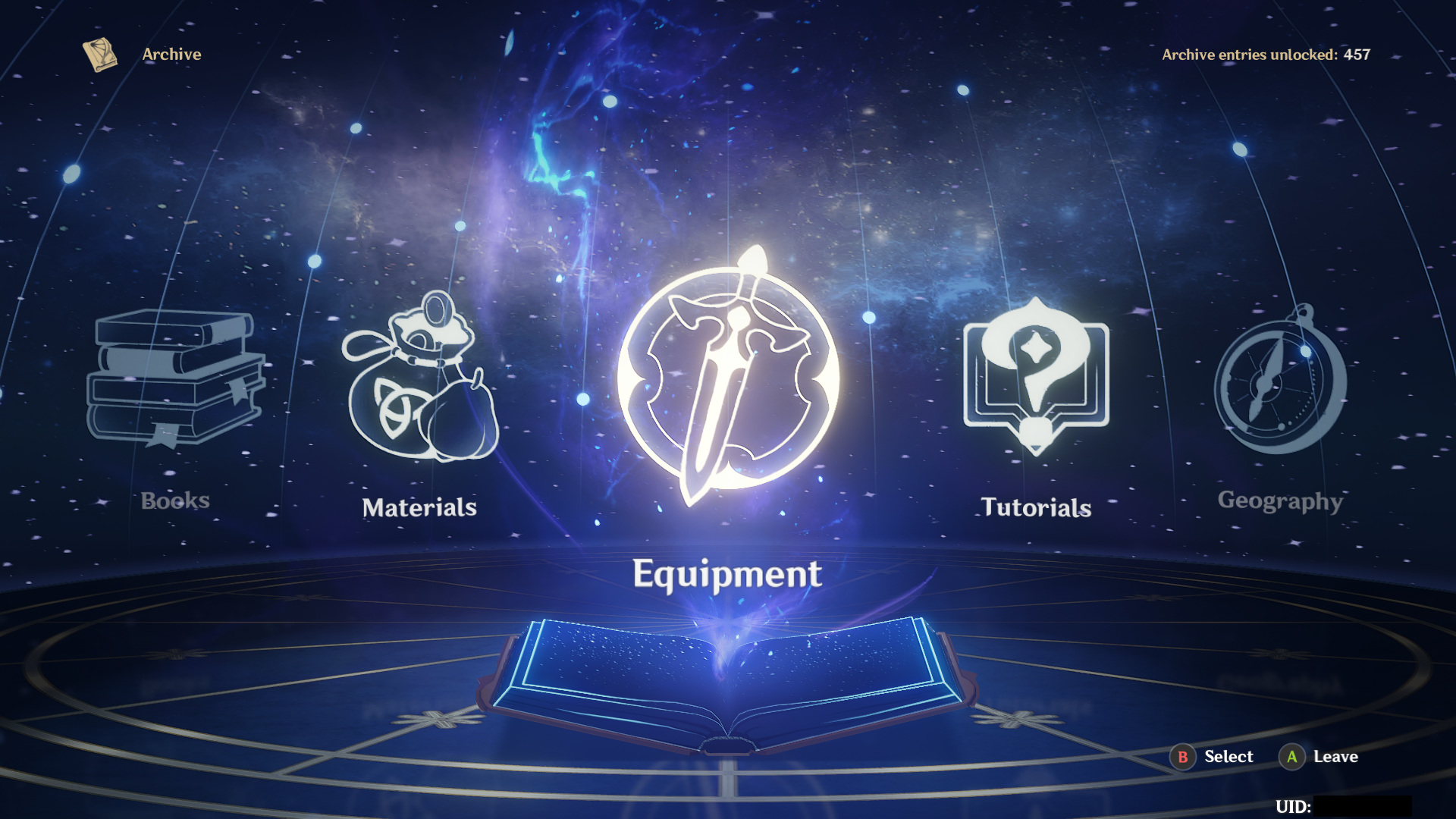
The archive menu in Genshin Impact details many categories and their given subjects. Entries range from tutorial text to equipment to geographical locations, and more, each with its own format to support the subject matter. It creates a single location for players to find deeper information and lore about the game’s entities, but overall, it serves more as an encyclopedia than an objective-setting tool.
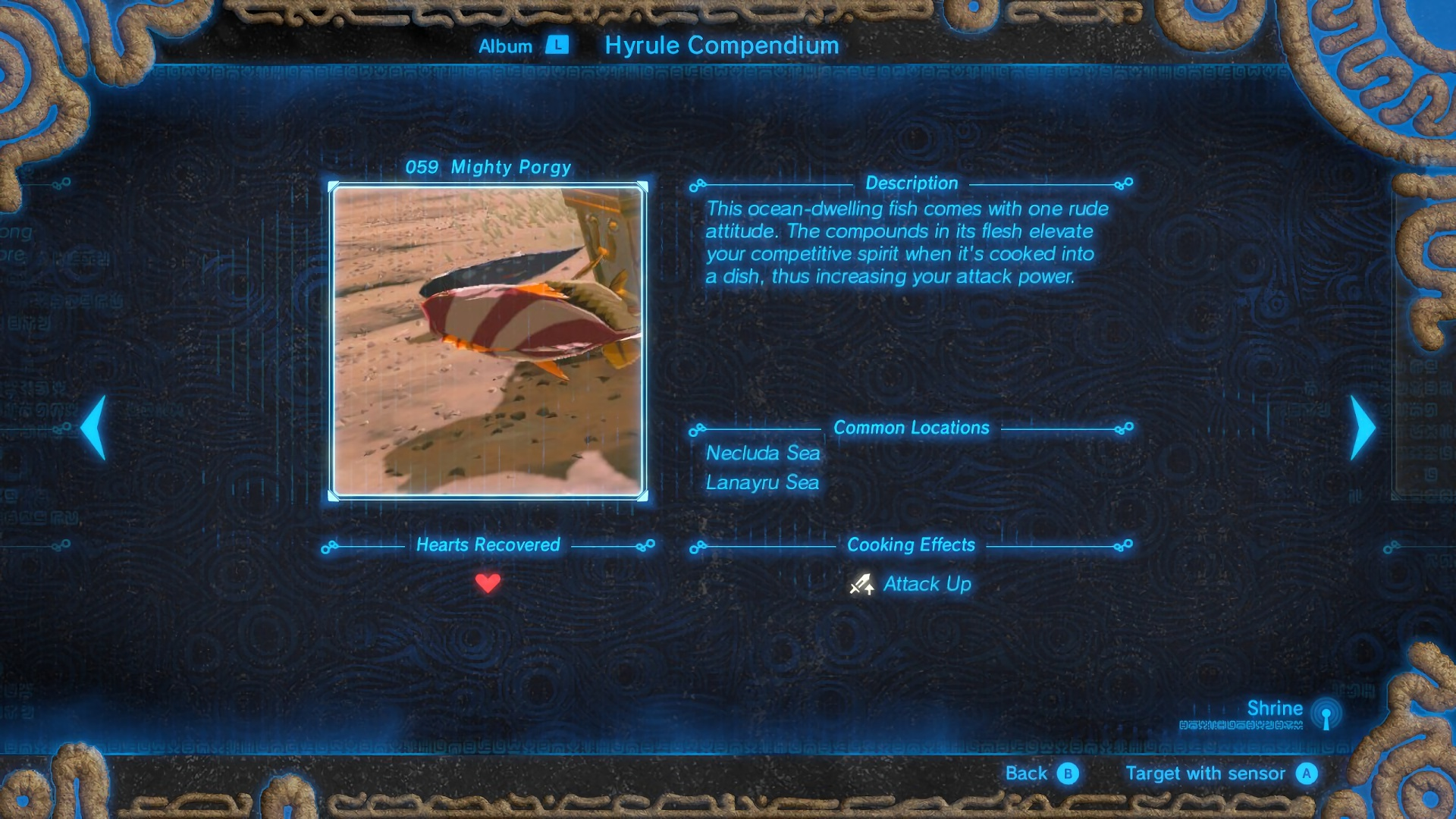
Similar to the previous example, Breath of the Wild’s Hyrule Compendium is filled out as the player logs the game’s entities. Each is provided with a photo, description, location, and additional notes as needed. This feature is akin to a scrapbook, serving to jog a player’s memory from time to time about a specific entity or to motivate them to discover new entities they have yet to catalog.
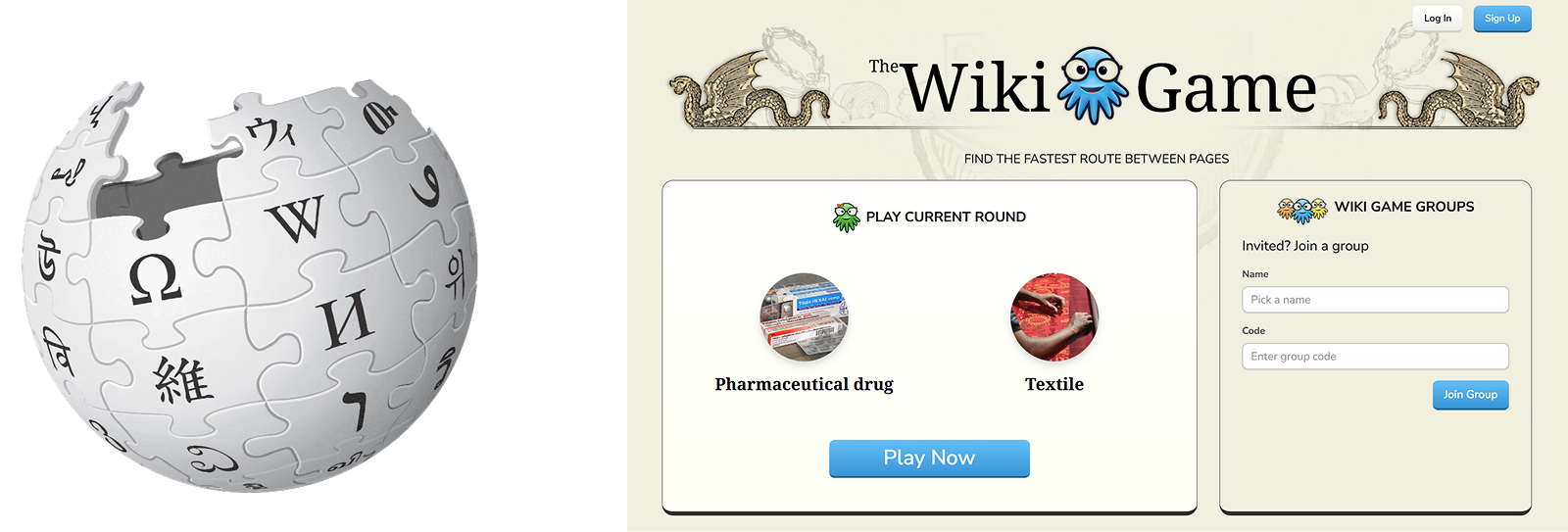
WIKIPEDIA + THE WIKI GAME
When designing, I stress the importance of not just researching other versions of the same thing. While games fall into a shared design space, it’s crucial to study the everyday tools people use to solve problems. This prevents simply repeating old designs and encourages new, innovative solutions.
Conceptualization.
After gathering research insights, the next step was to conceptualize the most effective solution. We knew the solution would need to support different types of players: completionists, explorers, and progression-driven. Inspiration came from the previously mentioned tools that answered player questions well, leading to The Compendium: a self-contained, in-game reference to replace external searches. The key feature driving major use cases was hyperlinked entries for smooth navigation between related entities.
The largest challenge was organizing The Compendium’s information hierarchy, especially with the game’s shifting content at the time. Each content shift required reorganizing entities by groups, use cases, and shared relationships.
Proof of Concept
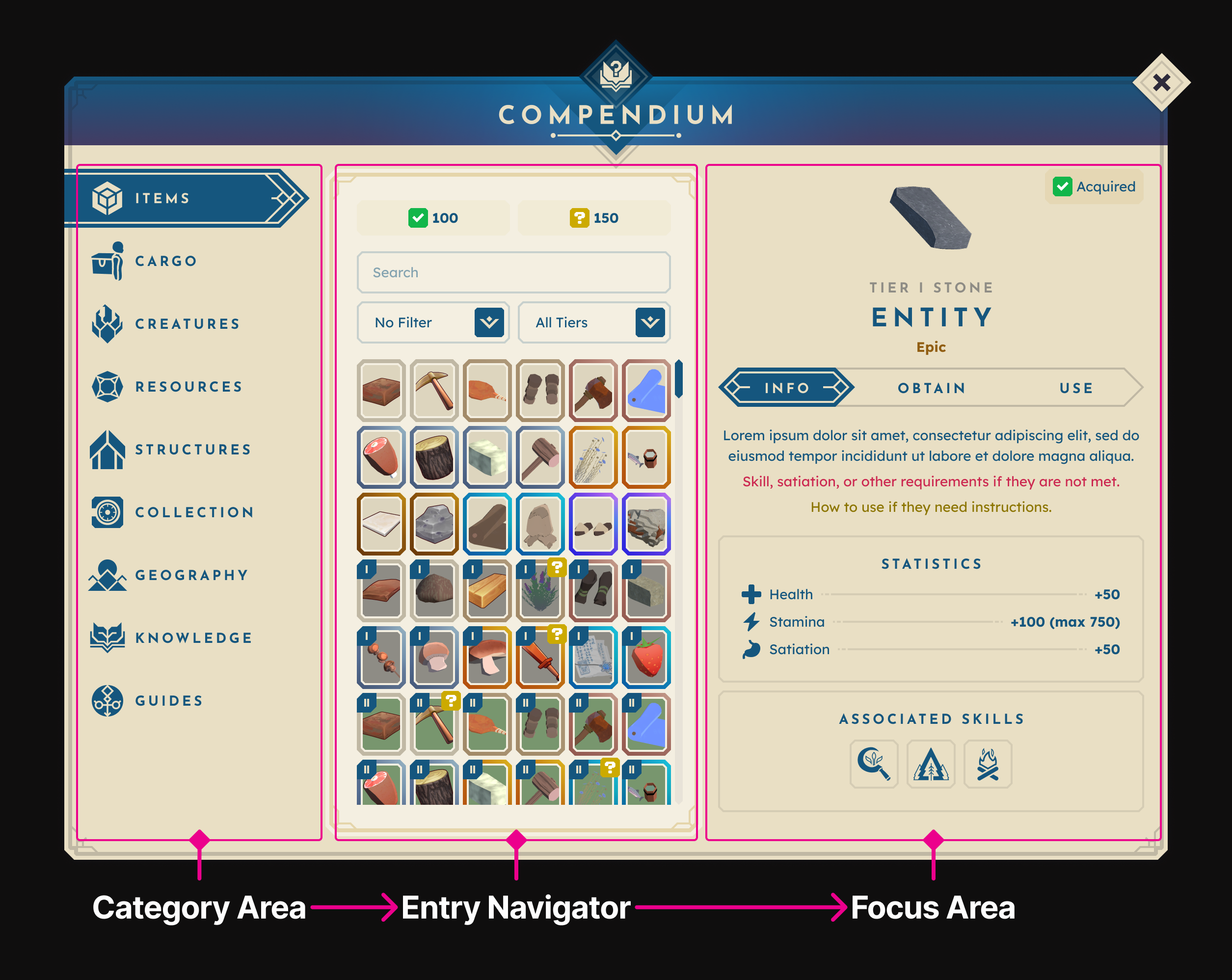
The earliest version of The Compendium was a low-fidelity, clickable prototype created in Figma. From its first iteration, the Compendium’s structure and flow were established— categories on the left, entry navigation in the middle, and the focus area on the right. A few key characteristics of this iteration include:
Tags: This version included tags intended to allow players to narrow their searches and identify what they needed quickly, but they were ultimately removed to better align with the game’s content data.
Navigation Buttons: Back/forward buttons to allow for browsing between entries. While these could be useful for some players who are deep-diving into entries, they ultimately weren't worth the real estate.
Less Information: Made more as a template, this version had fewer categories and held less information because core content refactors had not yet occurred.